
Open & pay bar tabs from your phone.
Julep lets you open a bar tab, close out, and tip directly from your phone with Apple Pay or Google Pay — so you can spend less time waiting around and more time enjoying your night.
Are you a bar operator?
Open & pay bar tabs from your phone
Julep lets you open a bar tab, close out, and tip direcly from your phone with Apple Pay or Google Pay.
So you can spend less time waiting around, more time enjoying your night.
Are you a bar operator?
Benefits of Julep


Left your wallet at home?
No problem!
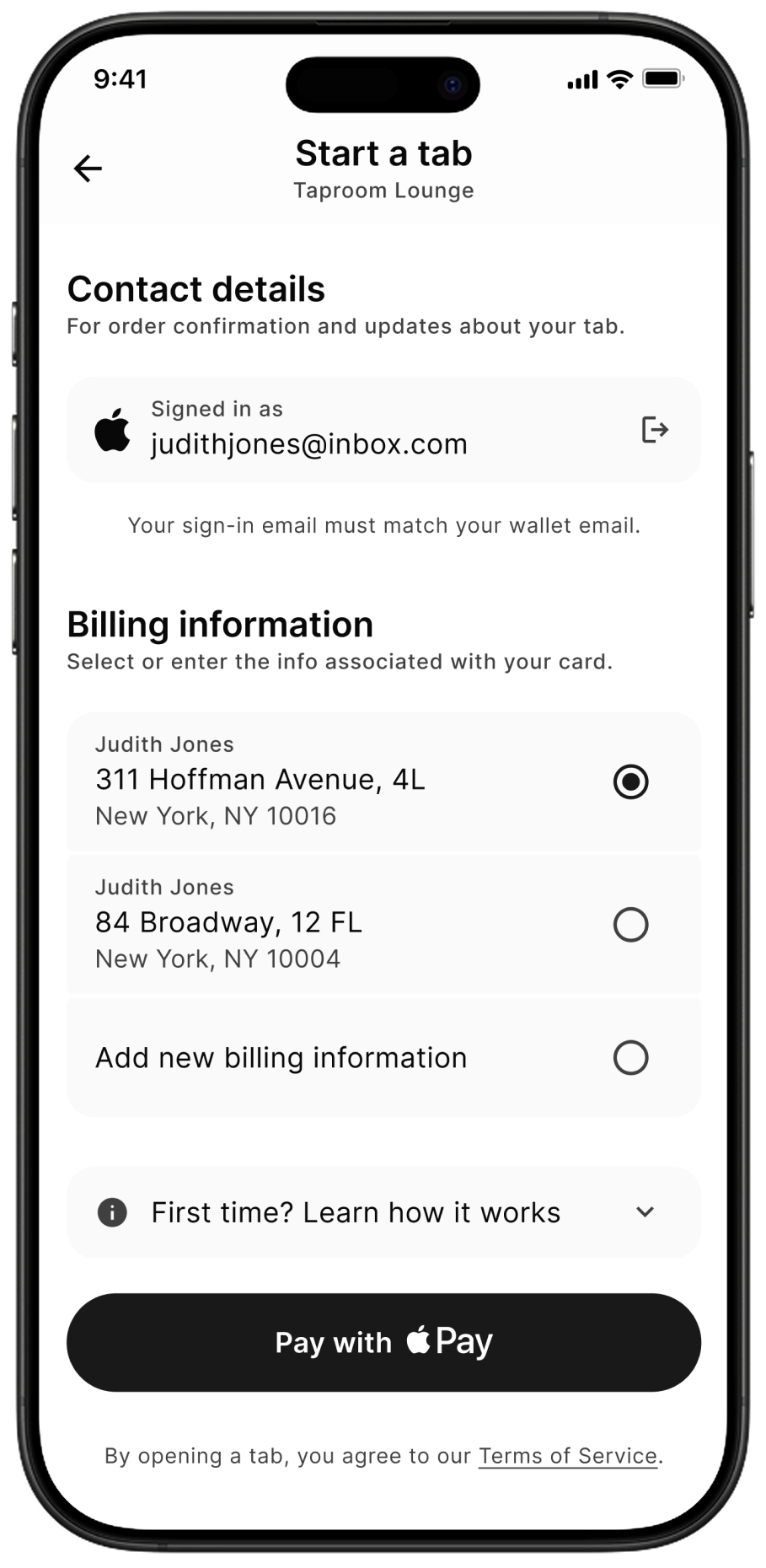
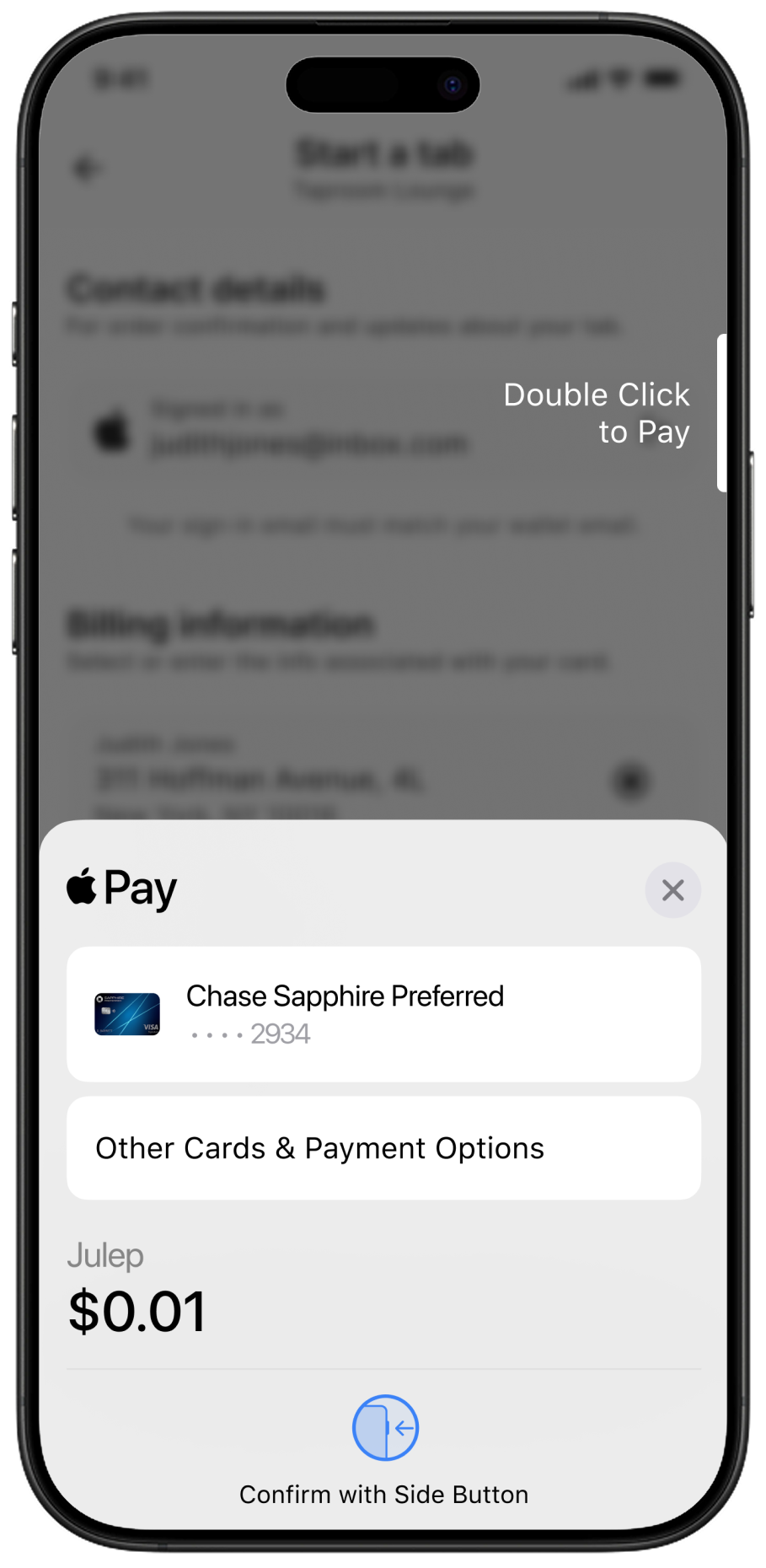
Pay the way you already pay. Open your tab with Apple Pay or Google Pay, no physical cards involved.
More convenient and more secure than leaving a card or ID behind the bar.

No cards accidentally left behind
Ever forget to close your tab and left your card at the bar? With Julep, you don’t have to worry about that.
No more canceling credit cards, or walks of shame to pick up your card from the bar.

Skip waiting to close out
Request to close out, and select a tip, directly from your phone—instead of fighting for the bartenders attention.
No need to elbow your way to the bar when you want to leave: close out and tip on your way home.
No app download required
Don’t want another app on your phone? No worries, Julep works in your mobile browser too.
With the Julep app you can save your info to open tabs even faster, but it’s totally optional.

Digital receipts in your inbox
Once your tab is closed, we’ll send a receipt straight to your email.
No paper slip to crumple into your pocket, and easy to find later if you need it.

Convenience without a surcharge
Julep doesn’t add any extra fees for opening or paying your tab.
You’ll pay the same amount as you would when opening a bar tab the traditional way.
Ready to go?
So is your tab.
No more waiting around for the check.
Ready to go? So is your tab.
No waiting around for the check.
Your friends are outside. Your ride is here. The next place is calling.
You shouldn't have to spend another 15 minutes trying to close your tab.
Your friends are outside. Your ride is here. The next place is calling.
You shouldn't have to spend another 15 minutes trying to close your tab.
How Julep works
1.
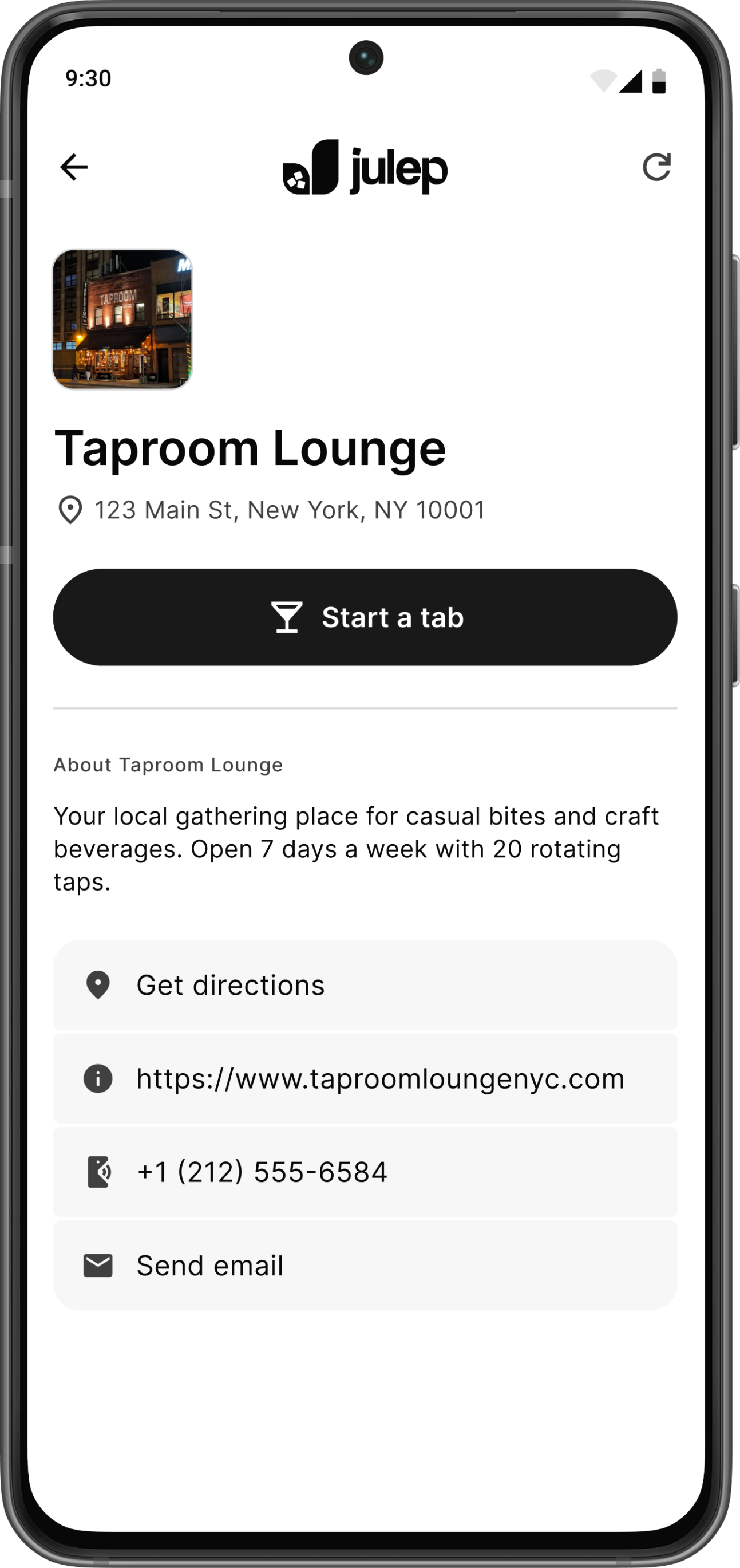
Open a tab on your phone
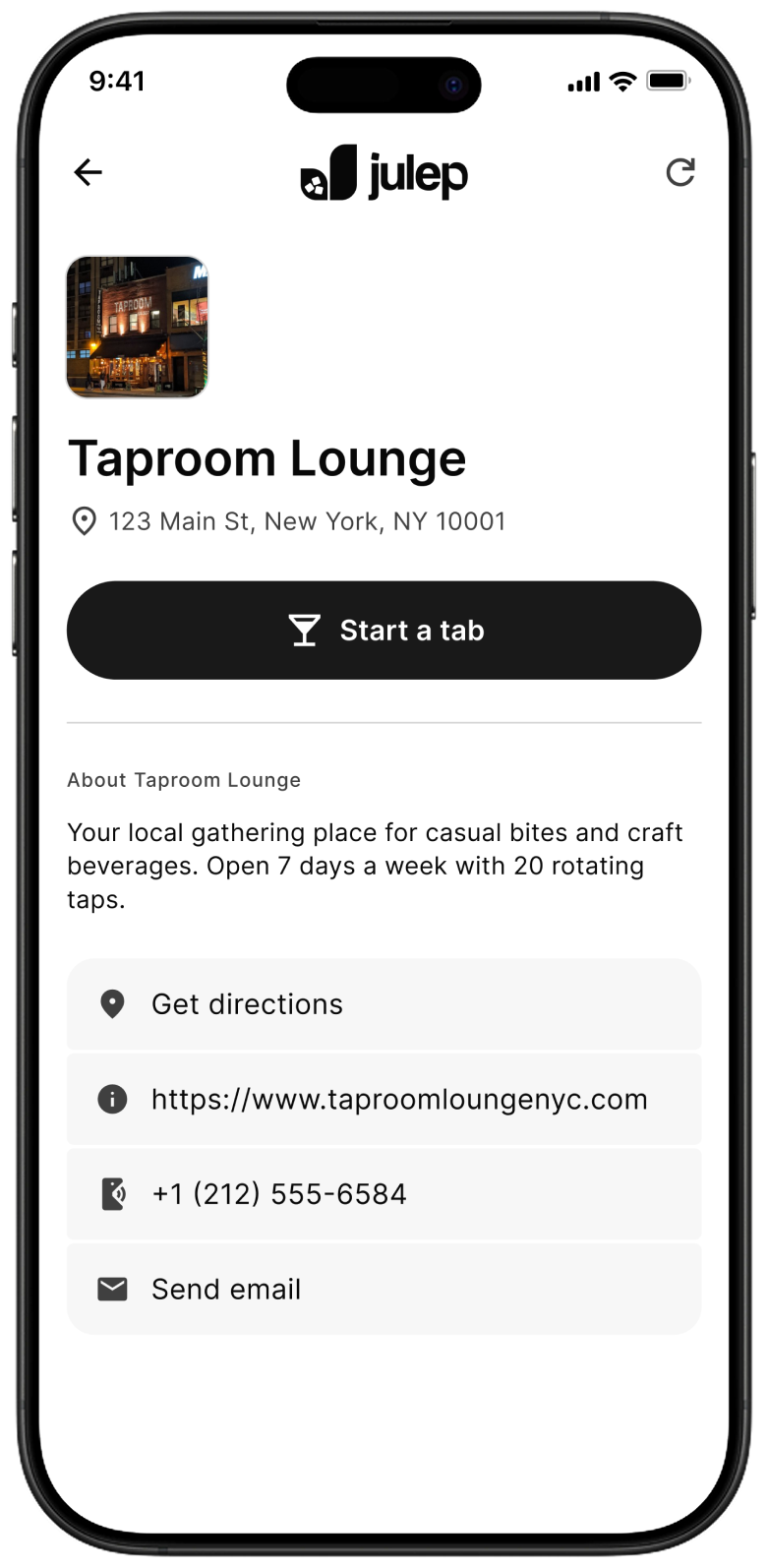
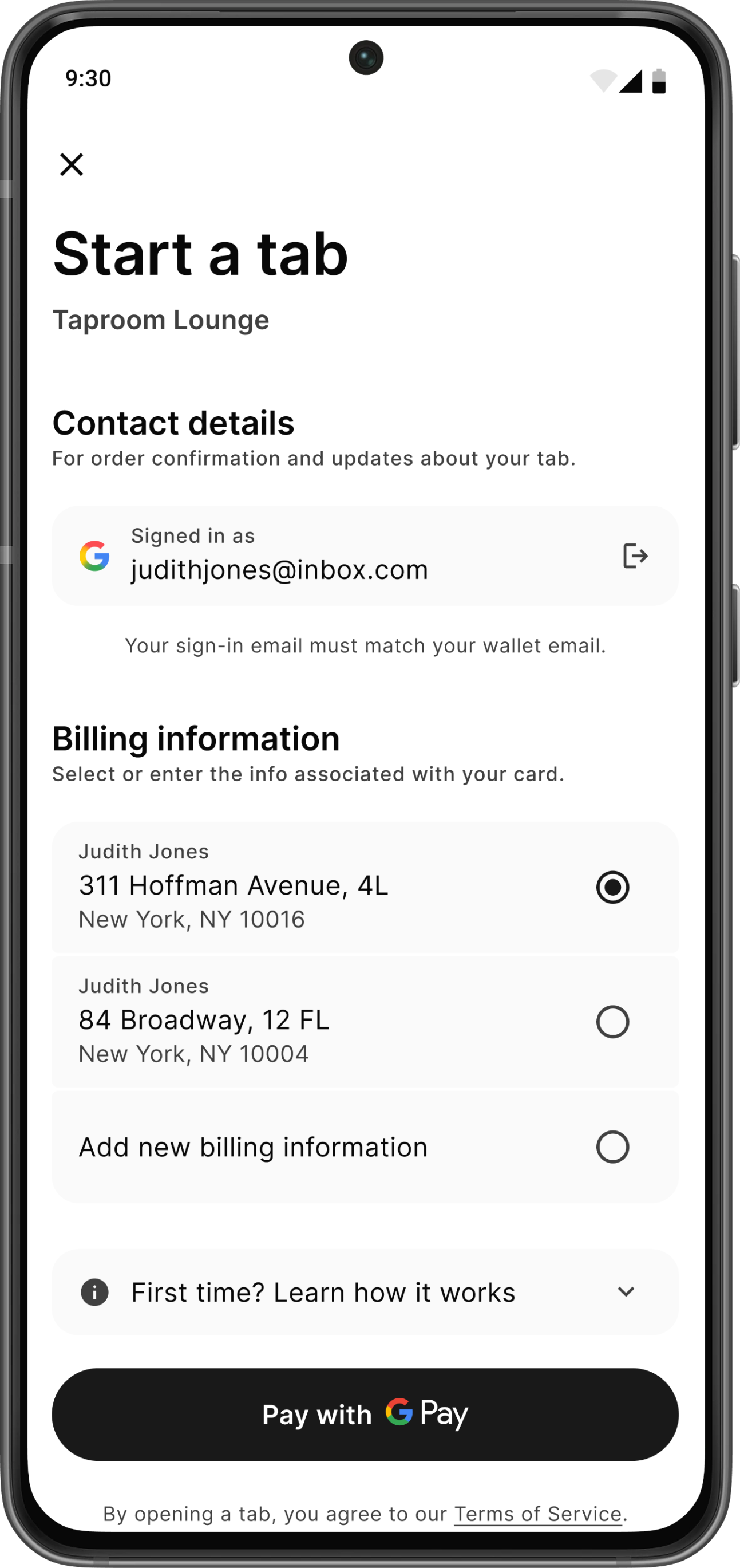
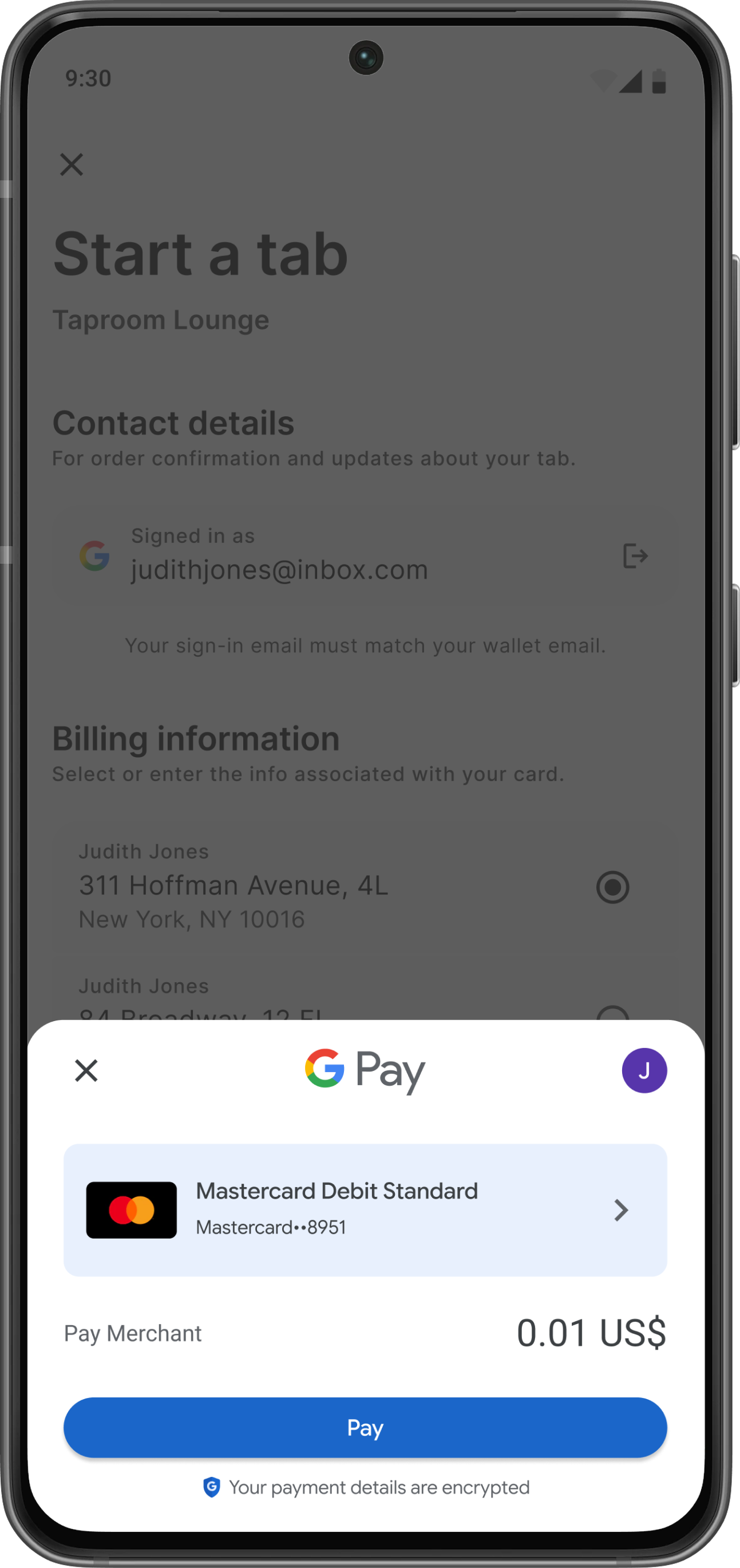
Scan the Julep QR code in the bar you’re at—or find the bar in the Julep app—and open the tab by authorizing with Apple Pay or Google Pay.
When you open a tab, Julep places a temporary $0.01 hold to verify your card.
2.
Order from the bar as usual
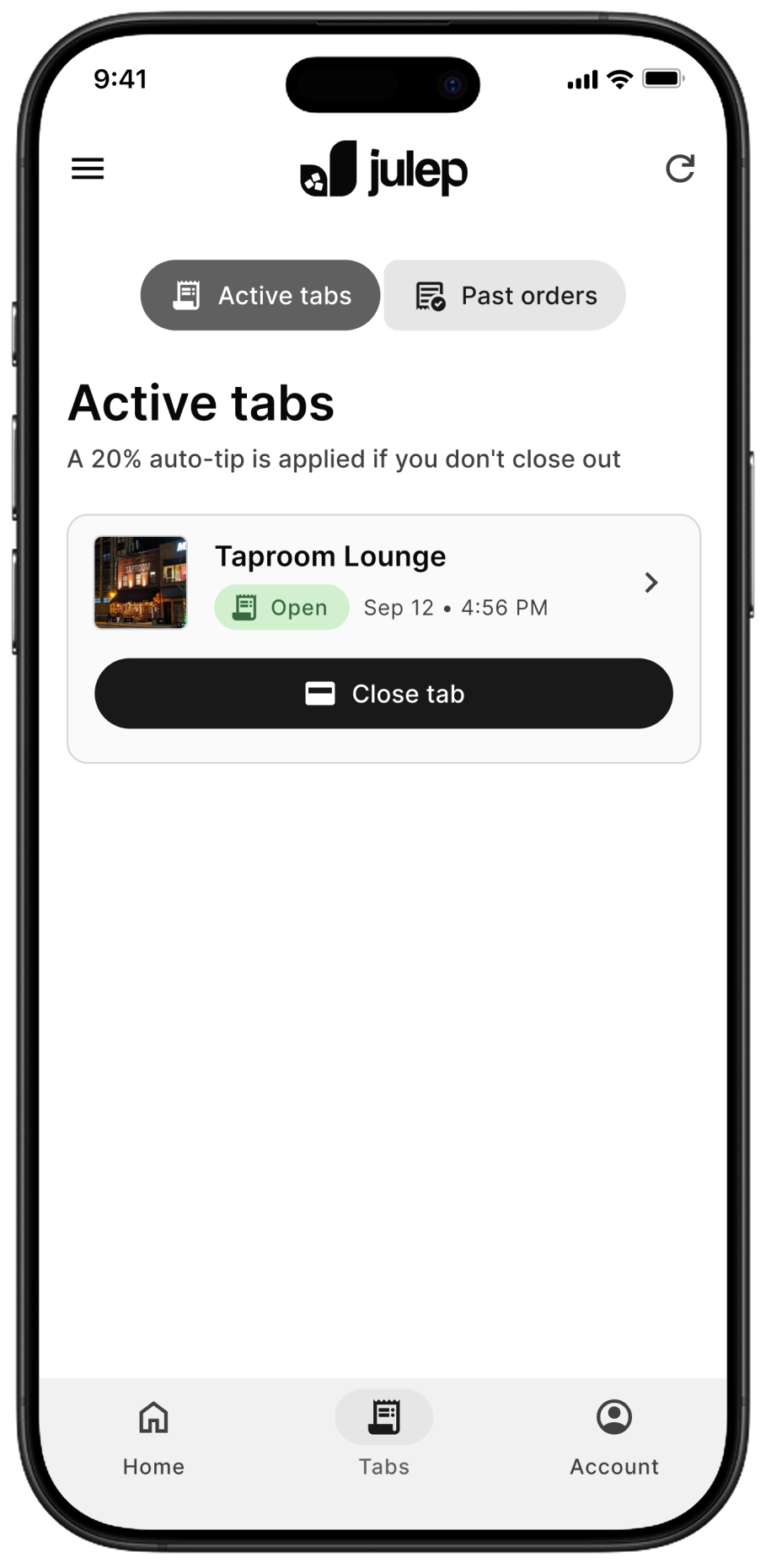
You’re all set to order drinks at the bar.
Once your tab is open, your name appears on the bartender’s tablet.
3.
Close out & tip from your phone
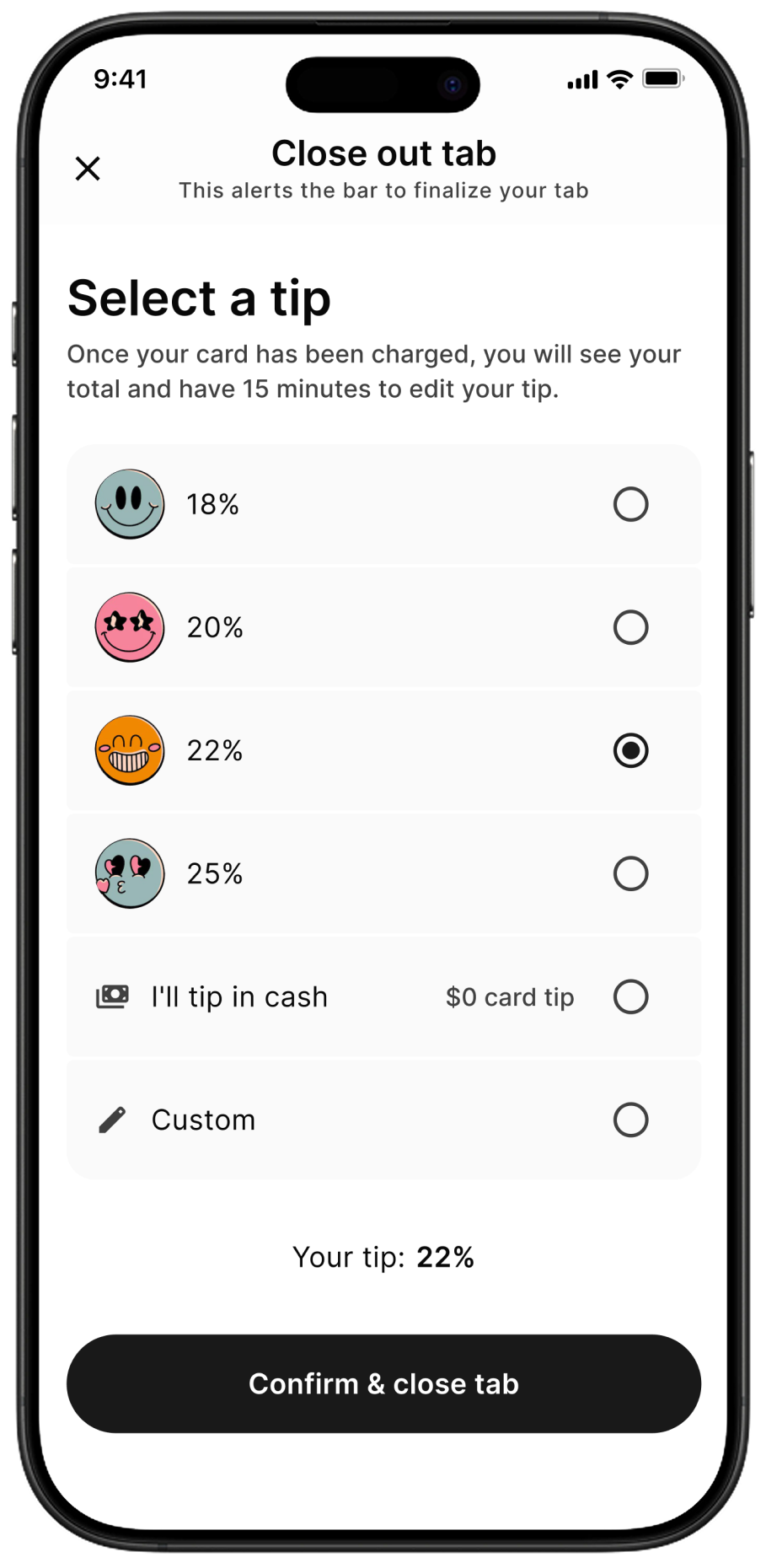
When you're ready to leave, select a tip and close out from your phone. This alerts the bar to finalize your tab and charge your card.
You can set a tip by percentage, or enter an exact dollar amount. Julep works like a traditional bar tab—you won’t see your itemized bill until the bartender rings it up. If you want to know what you owe before you’re charged, just ask the bartender first.
4.
15 minutes to edit your tip
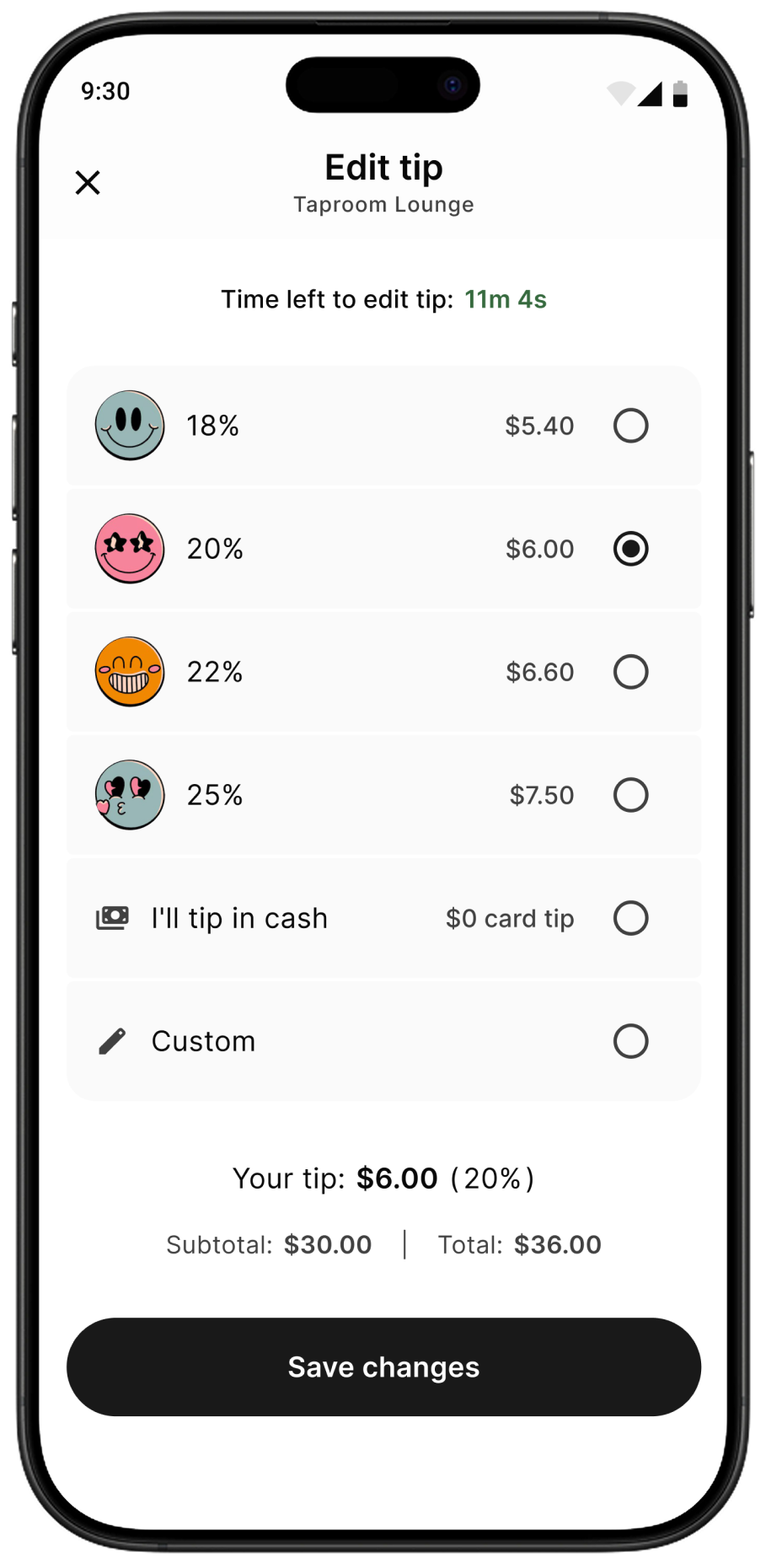
After the bartender rings up your tab and charges your card, an email is sent to you with the total amount. Once charged, you have 15 min to make any adjustments to the tip.
Note: If you forget to close your tab, the bartender can still charge you for what you owe—and a 20% default tip is automatically applied. In this case, it works the same: you’re notified by email and have 15 minutes to edit the tip.

5.
Receipt delivered to your inbox
After the 15 minute tip edit window has passed, your card is authorized for the final amount and a receipt is sent to your email.
Join the waitlist
Coming soon to iOS, Android, and web.
Want to be notified when it’s available? Join our mailing list: